

IPTV Trial Checklist: Playback, EPG and Support Tests Before Subscribing
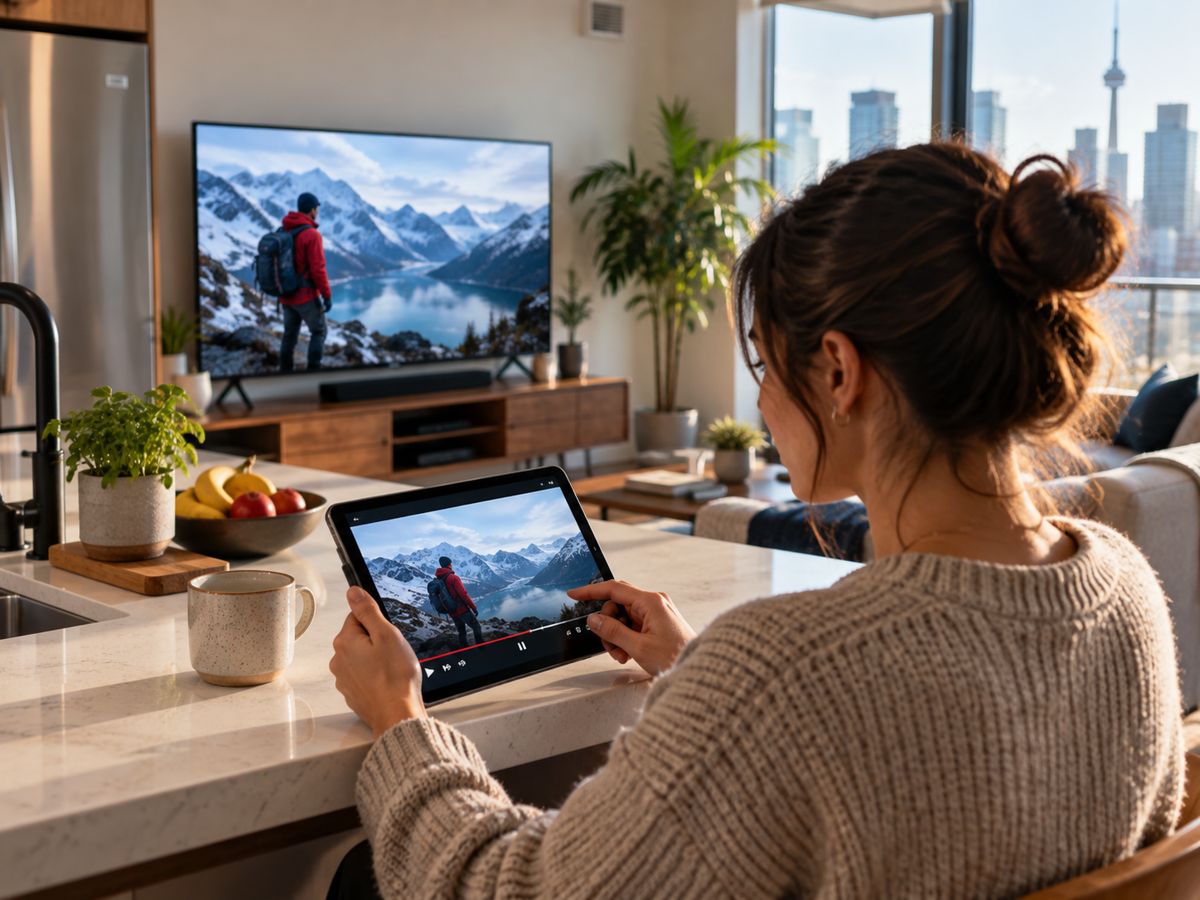
An IPTV trial can be useful, but only if it is treated as a structured test rather than a quick tour of the channel list. A trial should answer whether the service fits the user’s devices, connection, accessibility needs and expected support, while also giving enough information to judge its legitimacy.
Prepare a fifteen-minute baseline
Write down the device model, player version, network type and internet speed. Open a channel, change channels several times and check whether the guide loads useful information. Try a program with speech and fast motion, since these can reveal audio synchronization or picture issues.
Test the same service at different hours
Streaming quality is partly dependent on conditions. Repeat the same routine in the evening and compare it with an off-peak test. If possible, connect by Ethernet once. A provider problem and a household wireless problem can look identical until you isolate the network.
Inspect service terms and support
Ask how many concurrent streams the package permits, which apps require separate fees, and what happens after the trial expires. Check the cancellation and refund terms. Seek clear answers about licensing and regional availability rather than treating a long catalogue as a substitute for legitimate distribution rights.
Keep a decision record
Score picture stability, guide accuracy, login experience, response time and value separately. Note which issues are intermittent and which repeat. If important content is unavailable through authorized channels in Canada, do not assume the trial will resolve that limitation. A measured trial reduces surprises after payment.
Record a fair trial, not just a first impression
Start by identifying the television model, app version, connection type and expected viewing hours. Then test two kinds of content during the day and again during evening peak usage. Record startup delay, buffering, subtitle availability and any mismatch between program guide and playback. Test one support interaction so you can distinguish an automated answer from useful troubleshooting. A short written log creates a fair comparison when several providers promise broadly similar features.
Read the conditions behind the trial
A trial may be limited by time, device count, geography or available content. Confirm when it begins, whether billing starts automatically, and how to stop service if it is unsuitable. Legitimate availability and rights should be checked independently of the number of channels advertised. Ask for clarification on renewals and app licenses before payment. The ideal outcome is not merely that a stream played once; it is that the whole household can use the service predictably with understandable terms.
Putting the ideas into practice
To build the checklist, begin with an Rove IPTV free trial and compare service features using an IPTV service evaluation; verify any trial terms directly before publishing.
Before choosing any provider, confirm regional availability, authorized distribution rights, device compatibility and the service’s current terms. Treat unsupported claims about channels or performance with caution.
Useful next steps
For readers who want to explore the practical options discussed above, the Rove IPTV free trial is a starting point for comparing service information, compatibility and terms. For a more specific reference, see the IPTV service evaluation resource, and check that the advice applies to your devices and region.